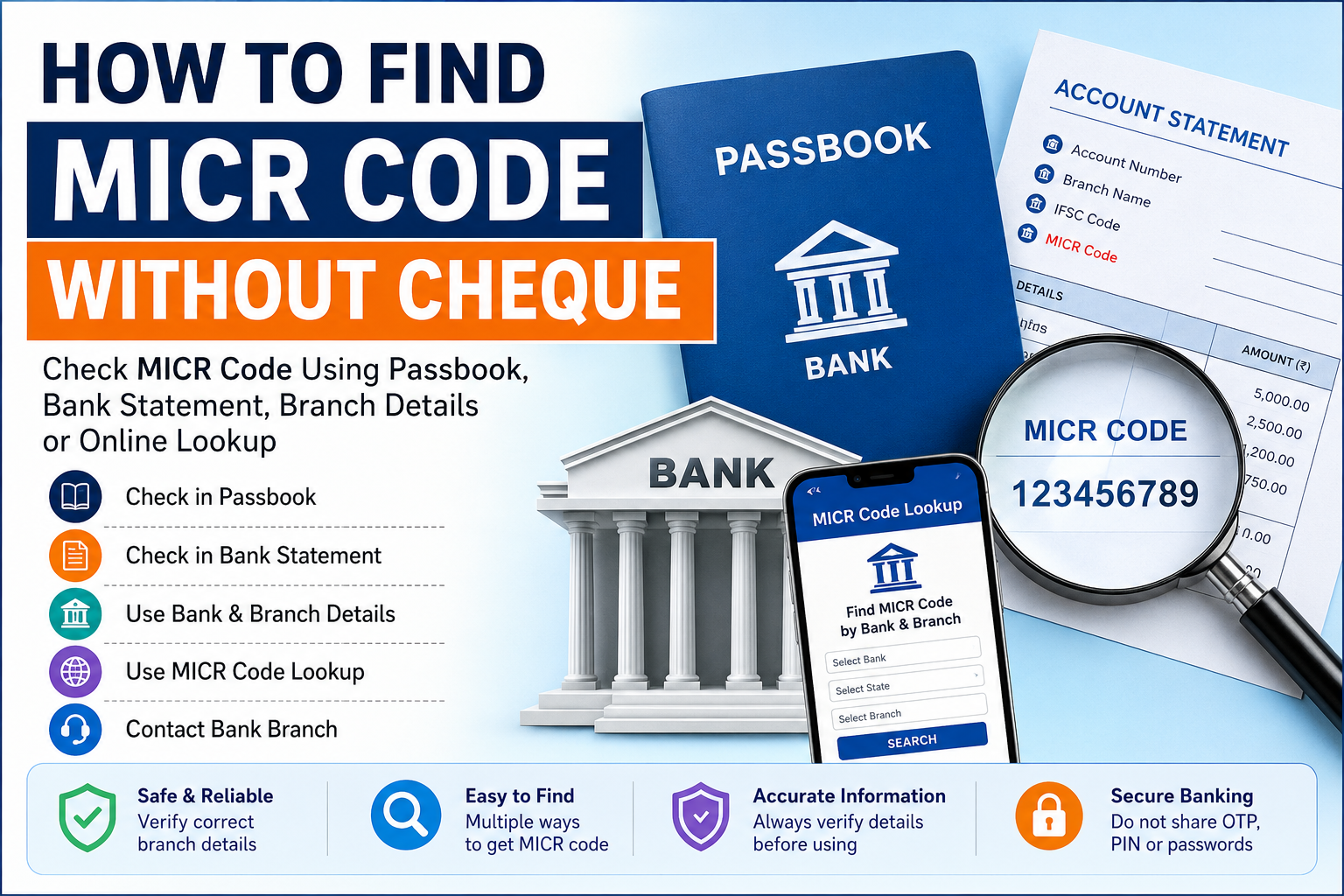
Many users know that MICR code is printed on cheque leaves, but what if you do not have a cheque with you? In some cases, users may not have a cheque book, the cheque may be old, or the MICR number may not be clearly visible.
The good news is that a cheque is not the only way to check MICR code. You may be able to find MICR code using passbook details, bank statement, branch information or an online MICR code lookup tool.
Enter a 9-digit MICR code to find matching bank branch details. Blank or unavailable MICR records are ignored.
Table of Contents
- What is MICR Code?
- Can You Find MICR Code Without Cheque?
- 1. Check Your Bank Passbook
- 2. Check Bank Statement
- 3. Use Bank and Branch Details
- 4. Use MICR Code Lookup
- 5. Contact the Bank Branch
- What If MICR Code is Not Available?
- MICR Code vs IFSC Code
- Common Mistakes to Avoid
- FAQs
- Final Words
What is MICR Code?
MICR stands for Magnetic Ink Character Recognition. It is a banking code mainly used in cheque processing and cheque clearing.
MICR code is usually a 9-digit number. It helps banks identify cheque-related branch information during the cheque clearing process.
Although MICR code is commonly printed on cheque leaves, users may also need to check it through other sources when a cheque is not available.
Can You Find MICR Code Without Cheque?
Yes, in many cases you can find MICR code without a cheque. A cheque leaf is one common source, but MICR code may also be available through passbook, bank statement, branch details or verified branch lookup data.
However, MICR code availability can depend on bank and branch data. If the MICR code is not shown online, it is better to confirm it directly with the respective bank branch.
1. Check Your Bank Passbook
Your bank passbook may include branch-related details on the first page. Some passbooks show account number, branch name, IFSC code and other branch information.
If MICR code is printed in the passbook, check it carefully and match it with the bank and branch details.
- Open the first page of the passbook.
- Check the account and branch details section.
- Look for MICR code or branch code details.
- Verify the bank name and branch name.
If the passbook is very old or branch details are unclear, confirm the MICR code again before using it for any banking reference.
2. Check Bank Statement
Some bank statements may include branch information. Depending on the bank, the statement may show IFSC code, branch name, branch address or other account-related details.
If MICR code is not printed on the statement, you can still use the bank name and branch information to search for branch details online.
- Check the top or account information section of the statement.
- Look for branch name and branch address.
- Use these details to verify the branch.
- Confirm MICR code if it is available in branch data.
3. Use Bank and Branch Details
If you know the bank name, branch name, district and state, you can use these details to search for branch information. This method is useful when you do not have a cheque or passbook nearby.
Branch details can help you find IFSC code and MICR code if the MICR data is available for that branch.
- Bank name
- Branch name
- District or city
- State
- Branch address, if available
The more accurate the branch details are, the easier it becomes to find the correct branch record.
4. Use MICR Code Lookup
You can use a MICR code lookup tool to search branch details if you already have a MICR code or want to verify branch information. You can also browse bank and branch records where MICR data is available.
IFSCODE.IN helps users search IFSC codes, MICR codes and bank branch details across India.
Always match the bank name, branch name, address, district and state before relying on any branch information.
5. Contact the Bank Branch
If you cannot find the MICR code from passbook, statement or online branch details, contact the respective bank branch. This is the safest option when the information is unclear or not available.
When contacting the branch, ask only for general branch details. Do not share OTP, PIN, password or sensitive login information with anyone.
What If MICR Code is Not Available?
Sometimes MICR code may not be available in online branch data or may not be clearly printed in user documents. This can happen due to branch updates, data limitations or old documents.
If MICR code is not available, do not guess it. Instead, verify the branch details through official bank sources or contact the bank branch directly.
For online money transfers, remember that MICR code is usually not required. IFSC code and beneficiary account details are commonly used for account-based electronic transfers.
MICR Code vs IFSC Code
MICR code and IFSC code are different. Both may relate to bank branch details, but they are used for different banking purposes.
| Point | MICR Code | IFSC Code |
|---|---|---|
| Main use | Cheque processing | Online fund transfers |
| Format | Usually 9 digits | 11-character alpha-numeric code |
| Common source | Cheque leaf or branch data | Cheque leaf, passbook, banking app or branch data |
| Needed for online transfer? | Usually not required | Usually required |
If you are making a NEFT, RTGS or account-based transfer, check the IFSC code carefully. Do not enter MICR code in place of IFSC code.
Common Mistakes to Avoid
While finding MICR code without a cheque, avoid these common mistakes:
- Guessing MICR code from account number.
- Using old branch details without verification.
- Confusing MICR code with IFSC code.
- Using MICR code for online transfer instead of IFSC code.
- Ignoring branch name or address mismatch.
- Sharing sensitive banking details with unknown people.
FAQs About Finding MICR Code Without Cheque
Can I find MICR code without a cheque?
Yes, in many cases you can find MICR code using passbook, bank statement, branch details or MICR code lookup, if the MICR data is available.
Is MICR code available in passbook?
Some passbooks may show MICR code or branch-related details. If it is not shown, use branch details to verify the information.
Can I find MICR code from IFSC code?
You may be able to find MICR code by searching the branch record connected with an IFSC code, if MICR data is available for that branch.
Is MICR code needed for online transfer?
Usually, MICR code is not needed for online transfer. IFSC code and beneficiary account details are commonly required.
What should I do if MICR code is not found?
Do not guess the MICR code. Verify the branch details with the respective bank or use trusted branch information sources.
Final Words
You can find MICR code without a cheque by checking passbook, bank statement, branch details or MICR code lookup. If the code is not available, confirm the branch information directly with the respective bank.
MICR code is mainly related to cheque processing. For online transfers, IFSC code and beneficiary account details are usually more important. Always verify bank and branch details before using any banking information.
Disclaimer: IFSCODE.IN is an independent informational platform. Users should verify important banking details directly with the respective bank before making any transaction.